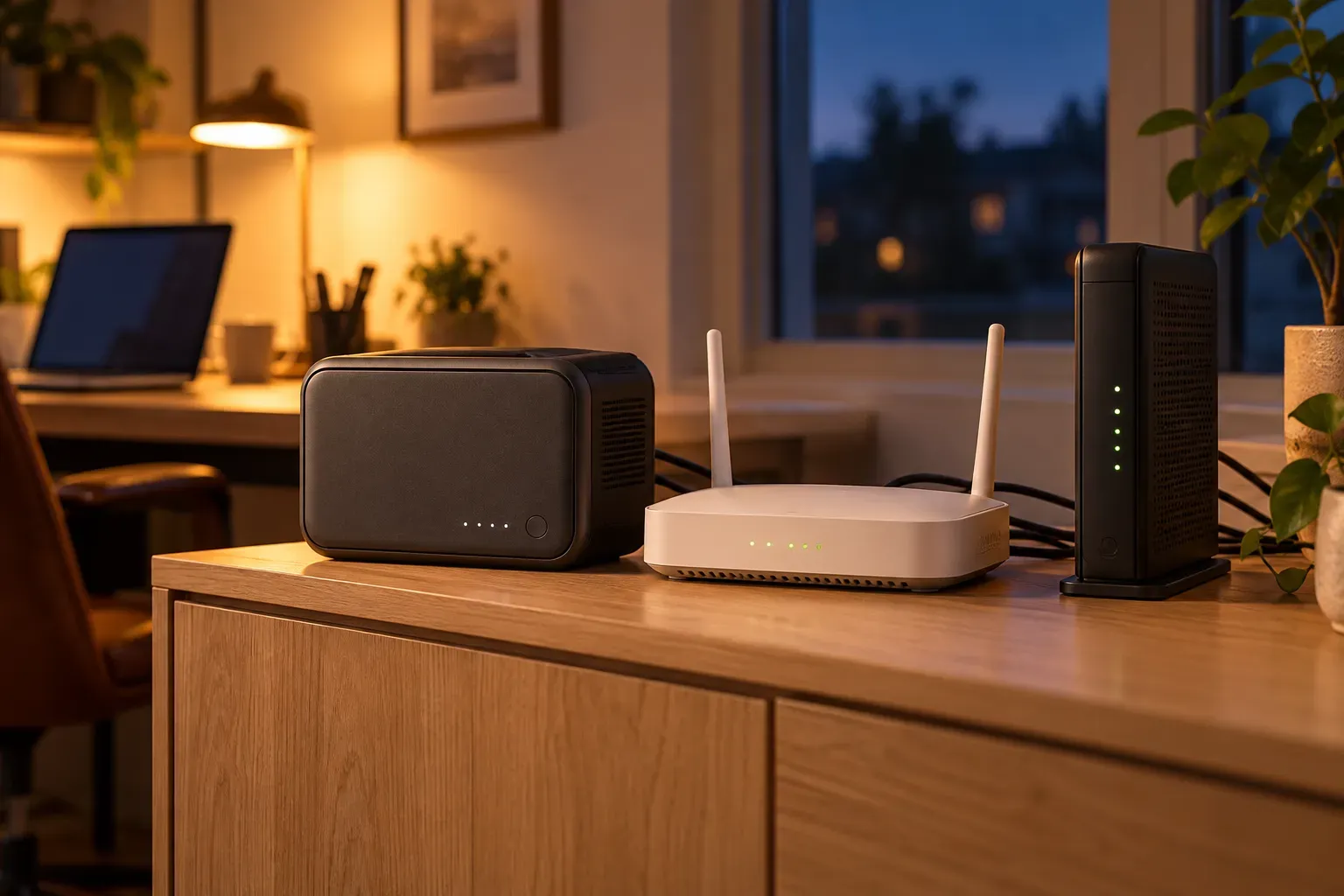
Choose a battery backup for your router and modem by measured watts and required runtime. A compact UPS is the straightforward place to start for brief outages. If you need most of a working day, compare a longer-runtime UPS with a small power station that has documented automatic switchover.
Before buying, count every powered box in the connection. A router with a full battery is little help when the cable modem or fiber ONT beside it has lost power.
Decide what needs to stay online
Trace the connection from the incoming service to the device you use for work. Your setup may have one combined gateway, or several boxes:
- A cable modem or a fiber optical network terminal, usually called an ONT.
- A separate Wi-Fi router.
- A switch, mesh node or PoE injector needed to reach your desk or access point.
Only include devices needed for the connection you want to preserve. A laptop on its own battery can keep the backup load small. Adding desktop computers, monitors and network storage changes the battery requirement.
Some provider-supplied battery backups have a narrower purpose than their name suggests. Verizon’s outage guidance explains that its described ONT battery-backup options support basic voice service, not Fios internet or TV. Check the documentation for your own provider and equipment.
Measure watts before shopping for VA
A plug-in power meter can measure the combined consumption of the network equipment at its wall adapters. Take readings during the way you normally use the connection, including a video call or a busy download if those are part of your workday.
The adapter label is a useful upper bound, but it is not a reading of actual consumption. A label saying 12V and 2A describes a 24W adapter rating. It does not establish that the router continuously uses 24W.
UPS specifications add another unit: VA, or volt-amperes. Check both the UPS’s VA and watt limits against the equipment it will supply. Then use its runtime curve to answer the separate question of how long the battery will last.
How much battery for eight hours?
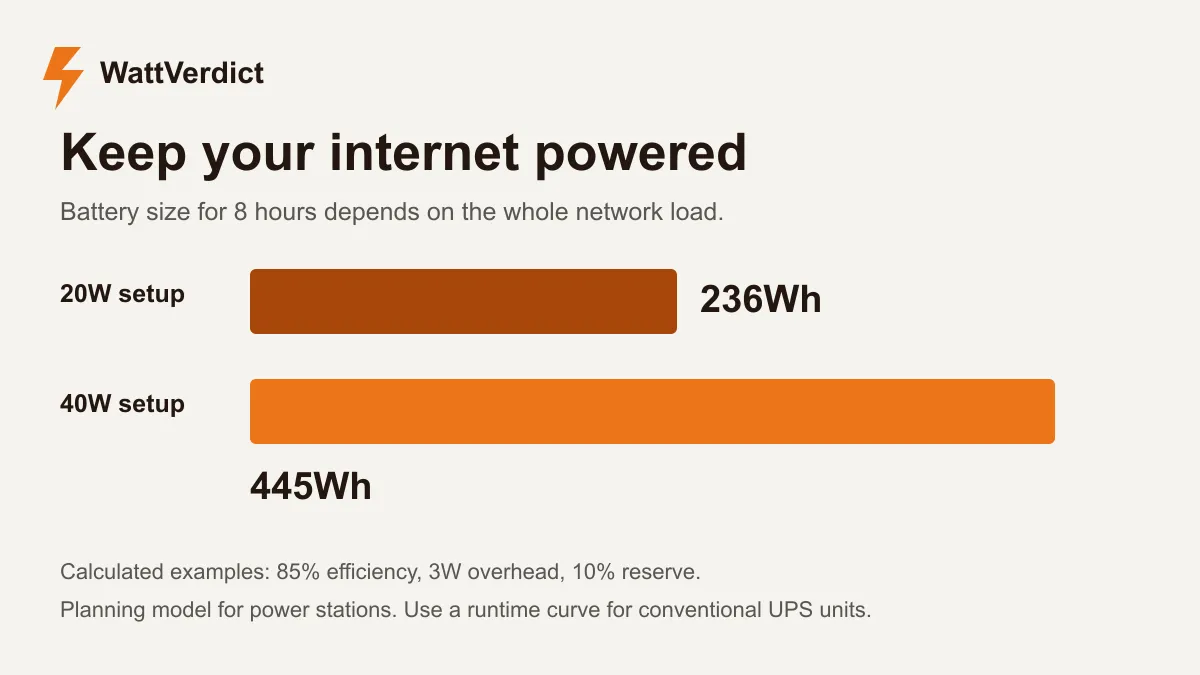
The table below is a power-station planning example. It assumes 85% conversion efficiency, an additional 3W drawn at the battery by the station itself, and a 10% reserve. Required capacities are rounded up.
| Measured network load | Battery capacity for 8 hours |
|---|---|
| 10W | 132Wh |
| 20W | 236Wh |
| 30W | 341Wh |
| 40W | 445Wh |
For example, the 20W case uses about 26.5W at the battery after the conversion allowance and extra draw. Eight hours needs about 212.2Wh available; allowing a 10% reserve raises rated capacity to about 235.8Wh.
The assumed 3W extra draw is an input to this example, not a measurement of a particular station. At small network loads, that overhead matters. Change it in the calculator if you have a measured value or a suitable figure from the manufacturer.
Router and modem runtime calculator
Enter the total load for the equipment you need to keep running, then change the starting 286Wh capacity to the size you are considering.
Plan your battery size
Router and modem backup time
Enter your device load and adjust the assumptions for your setup.
Estimated runtime
Battery for 8 hours
Enter valid positive values. Efficiency must be 1–100%, and reserve must be 0–99%.
Planning estimate. Extra draw covers the station's own consumption at the battery. Actual efficiency and shutdown behavior vary by model. For a conventional UPS, use its published runtime curve.
See the calculation
Runtime = capacity × (1 − reserve) ÷ (device watts ÷ efficiency + extra battery draw). Required capacity reverses this calculation for your target runtime. Percentages are converted to fractions.
This energy model is useful for comparing power-station sizes. For a conventional lead-acid UPS, use the manufacturer’s discharge curve at your measured load. Dividing nominal battery watt-hours by watts can overstate usable runtime.
UPS or portable power station?
| What matters | Conventional UPS | Power station with documented backup mode |
|---|---|---|
| Automatic switchover | Check the model’s transfer specification | Check that the exact model supports it |
| Runtime evidence | Manufacturer load/runtime curve | Product data plus a power budget and setup test |
| Long working sessions | May require a larger UPS or supported extra battery | More stored energy can be available in a portable case |
| Small-load behavior | Check minimum-load and shutdown rules | Check AC timeout and energy-saving settings |
| Reusing it elsewhere | Usually intended for a fixed installation | Can also serve camping or other portable loads |
Automatic backup and long runtime are separate features. A large battery you connect after an outage will still interrupt the connection while you move plugs. Conversely, a fast-switching UPS may have too little energy for a full workday.
Two models to compare
CyberPower ST625U for shorter interruptions
The CyberPower ST625U is a 625VA/360W standby UPS. CyberPower lists eight outlets, of which four have battery backup and surge protection; the other four provide surge protection only. Put both the modem and router on battery-backed outlets.
The useful number is in CyberPower’s runtime table: the published estimate is 55.8 minutes at a 50W load, with new, fully charged batteries under the stated conditions. That is about 56 minutes, not eight hours. Read the curve at your own load before buying.
This is a practical candidate when your aim is to ride through short interruptions. If eight hours is the requirement, compare products with evidence for that target instead of assuming the VA rating tells you the answer.
EcoFlow RIVER 3 Plus for a larger energy budget
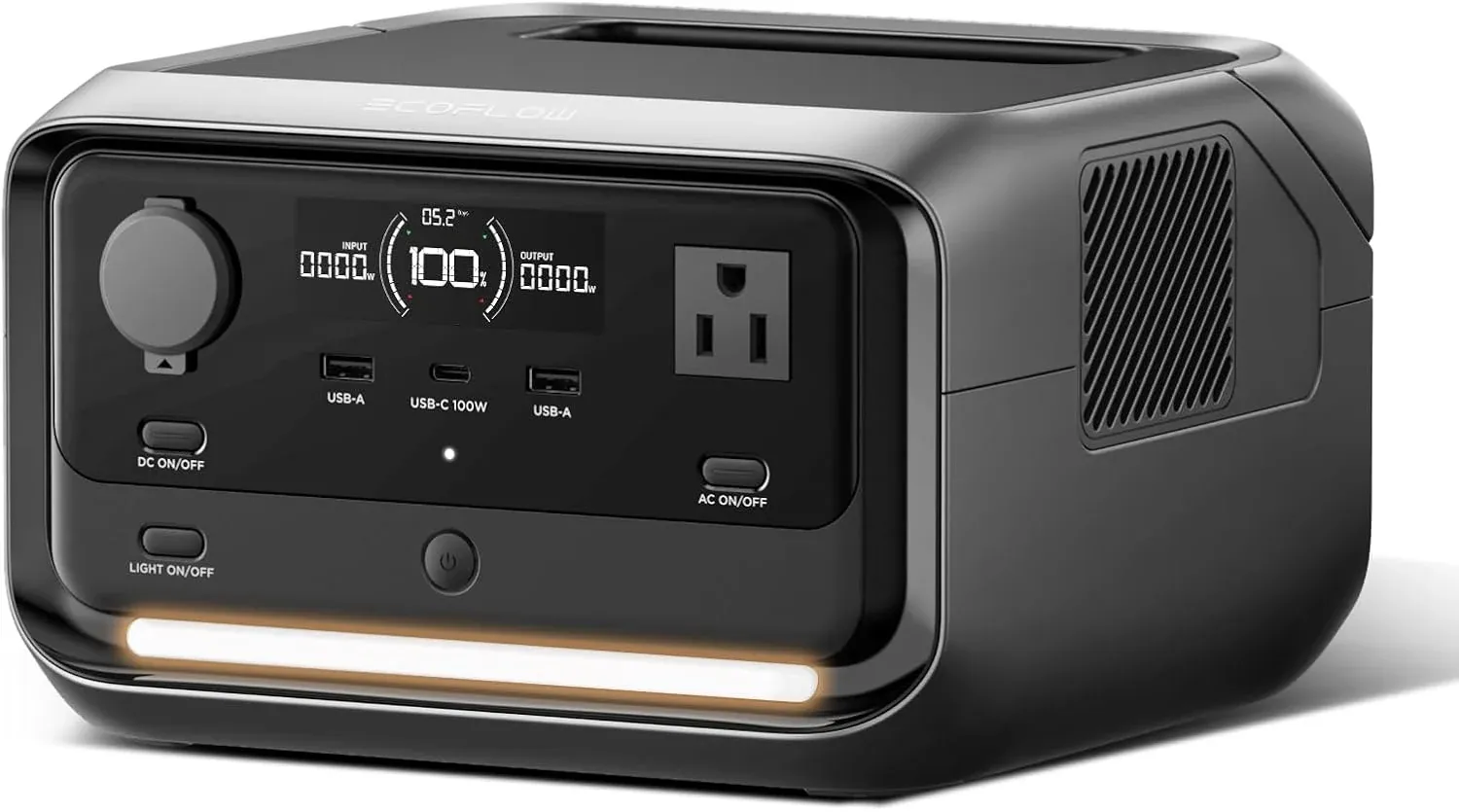
The EcoFlow RIVER 3 Plus has a rated 286Wh battery. EcoFlow’s US product information specifies an automatic switchover of less than 10 milliseconds for the Plus model.
Under the calculator’s starting assumptions, 286Wh gives an estimated 9.7 hours at a 20W network load. Raise the load to 40W and the estimate drops to about 5.1 hours. Both figures use the same 85% efficiency assumption, 3W extra draw and 10% reserve; adjust them for your setup.
Read the RIVER 3 Plus manual for setup and output-timeout controls. Test your router and modem with the exact station, since a transfer specification alone cannot guarantee that every power adapter will ride through an interruption.
Check the connection before you need it
Charge the backup, connect the required equipment to its supported outputs and confirm that the internet works. Follow the backup manufacturer’s procedure for testing loss of utility power. Watch whether the modem, router or ONT restarts, and check that service returns normally when utility power is restored.
Run a longer test when practical. A five-minute handover check will not reveal an output that shuts down later because of a low-load timer. Review timeout settings, keep ventilation clear and follow the product’s instructions for continuous use.
A DC mini UPS is another option when its voltage, connector size, polarity and current rating match every device it will power. Avoid buying by connector appearance alone. Using the original equipment adapters through supported AC outlets is easier to verify when several different devices are involved.
A powered router does not guarantee internet service
The provider’s equipment beyond your home also needs to remain operational. Local backup cannot repair a damaged cable or bring a failed neighborhood network back online.
If an outage would stop essential work, consider a separately powered cellular connection as well as battery backup. Confirm coverage and data limits for your location. For travel or a satellite connection, our Starlink Mini battery guide covers a different power budget and its USB-C requirements.
If you also need to run a fridge, lights or other appliances, use the broader home backup power guide. Keep the network load separate in your calculations so you know how much runtime remains when those other appliances join it.
Sources
Documentation checked October 30, 2026: