
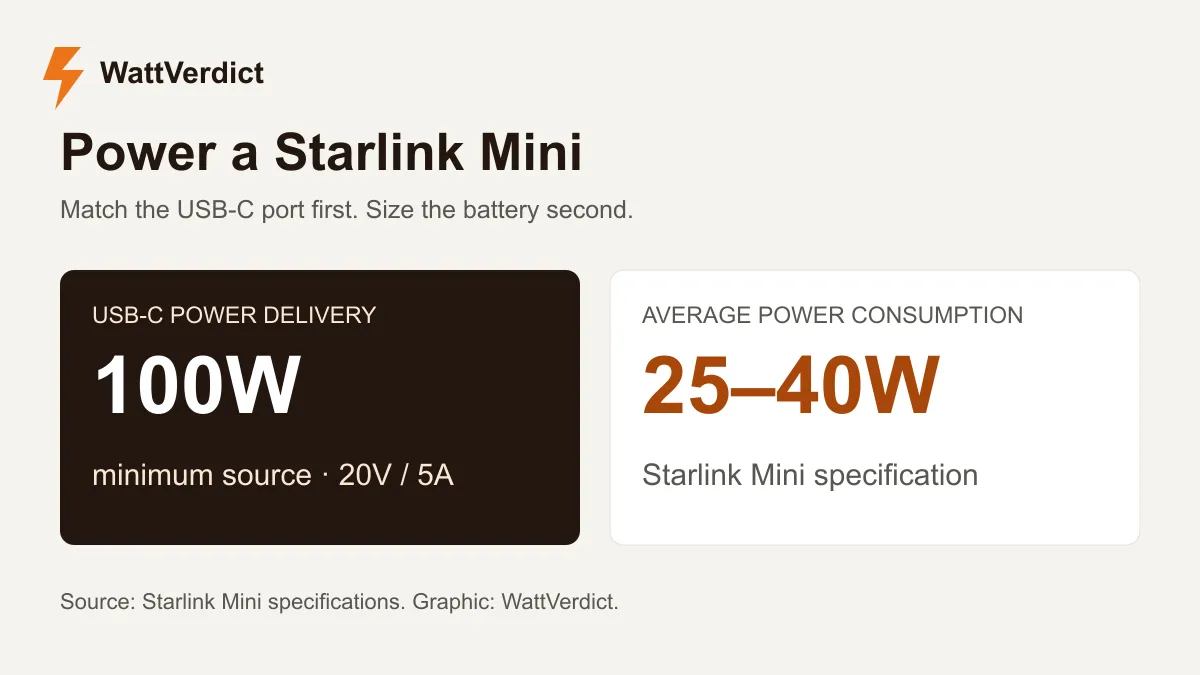
Starlink Mini needs a USB-C PD source rated for at least 100W at 20V/5A when you use Starlink’s USB-C-to-barrel cable. Start with that port requirement, then choose enough battery capacity for your trip. A large battery with the wrong output port can leave you without a connection.
For a full workday, the purchase decision is usually between a compact power bank you recharge during breaks and a larger station that also handles your laptop. Include both devices in the energy budget before deciding how much battery to carry.
Why the Mini needs a 100W port
The Mini’s specification sheet lists average consumption of 25–40W. The same sheet calls for a 100W USB PD source when using the USB-C cable accessory. Average consumption and the required power-source rating describe different things.
Starlink’s USB power guidance says supplies rated below 100W do not meet the requirement. A 65W laptop charger therefore belongs outside the buying shortlist, even if it looks powerful enough beside the Mini’s average draw.
Check the product’s output table for the port you will actually use. Look for 20V at 5A, and distinguish output power from the wattage the battery accepts while recharging. For the most straightforward cable choice, use Starlink’s own USB-C-to-barrel accessory from the Starlink Shop.
How long will a battery run Starlink Mini?
A useful first estimate is battery watt-hours multiplied by a conversion-efficiency assumption, divided by average device watts. The table uses 85% efficiency and the datasheet’s 25–40W average range. It starts with a full battery and leaves no reserve.
| Battery capacity | At a steady 40W | At a steady 25W |
|---|---|---|
| 99Wh | 2.1 hours | 3.4 hours |
| 288Wh | 6.1 hours | 9.8 hours |
| 512Wh | 10.9 hours | 17.4 hours |
| 1,024Wh | 21.8 hours | 34.8 hours |
These are calculated planning examples. They exclude a laptop, extra network equipment and the power station’s own additional draw. Actual consumption, battery condition and operating temperature can change the result.
At 40W, eight hours requires 320Wh delivered to the Mini. With 85% conversion efficiency and a 10% battery reserve, the calculation calls for about 419Wh of rated capacity. A station around 500Wh gives more room than a 288Wh battery under those assumptions. A lower measured load changes the answer substantially.
Calculate your own battery size
Use the average watts you measure during your normal work session. Add any laptop or other device to the load, then adjust the reserve. If you are using AC instead of USB-C, allow for the inverter’s own consumption in the extra-draw field.
Plan your battery size
Starlink Mini battery runtime
Enter your device load and adjust the assumptions for your setup.
Estimated runtime
Battery for 8 hours
Enter valid positive values. Efficiency must be 1–100%, and reserve must be 0–99%.
Planning estimate. Extra draw covers the station's own consumption at the battery. Actual efficiency and shutdown behavior vary by model. For a conventional UPS, use its published runtime curve.
See the calculation
Runtime = capacity × (1 − reserve) ÷ (device watts ÷ efficiency + extra battery draw). Required capacity reverses this calculation for your target runtime. Percentages are converted to fractions.
Adjust efficiency and overhead for the output you use. If your power meter already measures the complete battery-side draw, use 100% efficiency and zero extra draw to avoid counting the same losses twice.
Power stations to compare
These two models cover different setups. Both have a high-output USB-C option; the distinction is whether you also need household AC outlets.
| Model | Rated battery | Relevant USB-C output | Choose it for |
|---|---|---|---|
| Anker SOLIX C300 DC | 288Wh | C2 and C3 support up to 140W, including 20V/5A | USB-C and DC devices without an AC inverter |
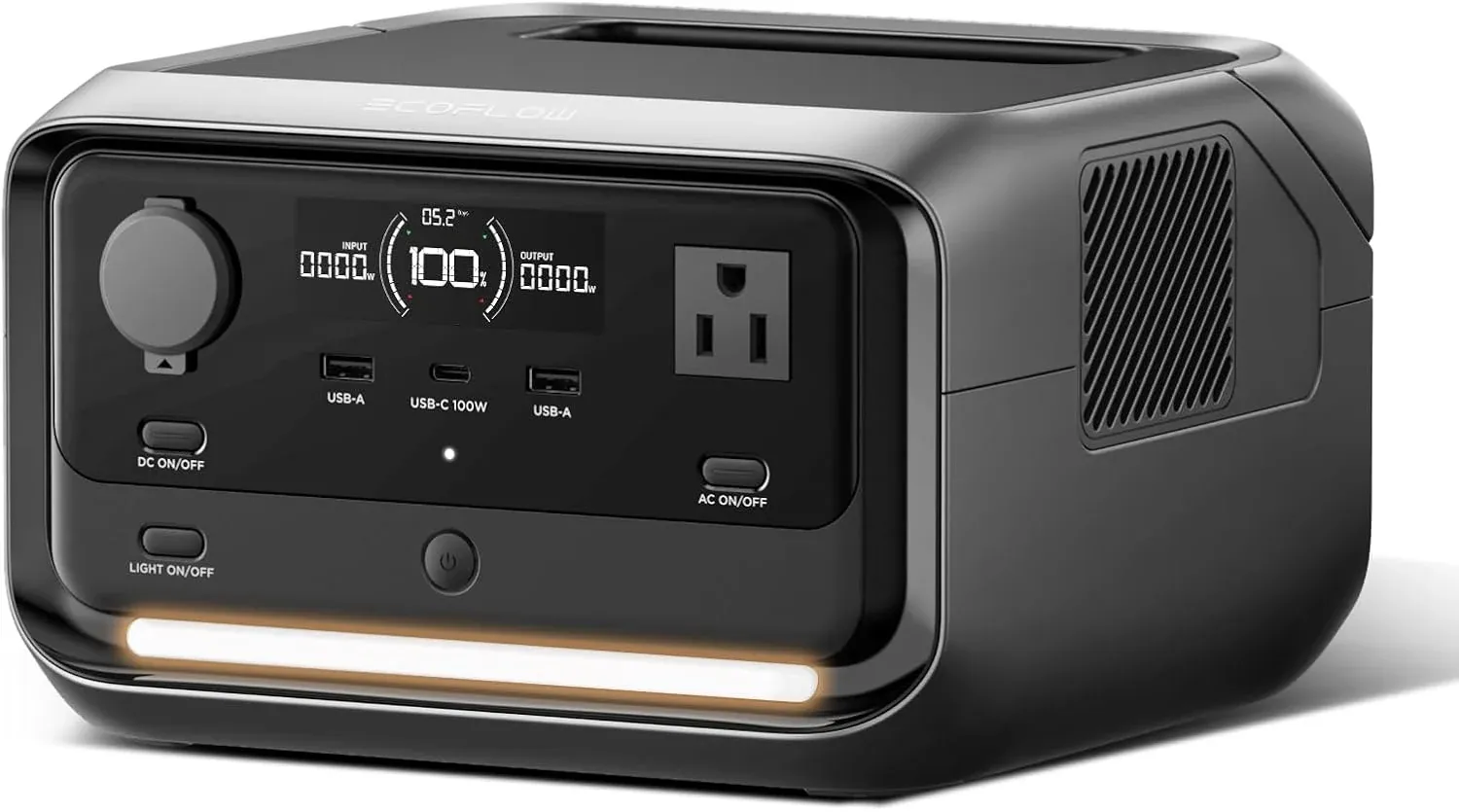
| EcoFlow RIVER 3 Plus | 286Wh | USB-C output rated 100W at 20V/5A | A small station with both USB-C and AC outlets |
Anker SOLIX C300 DC: a USB-focused setup
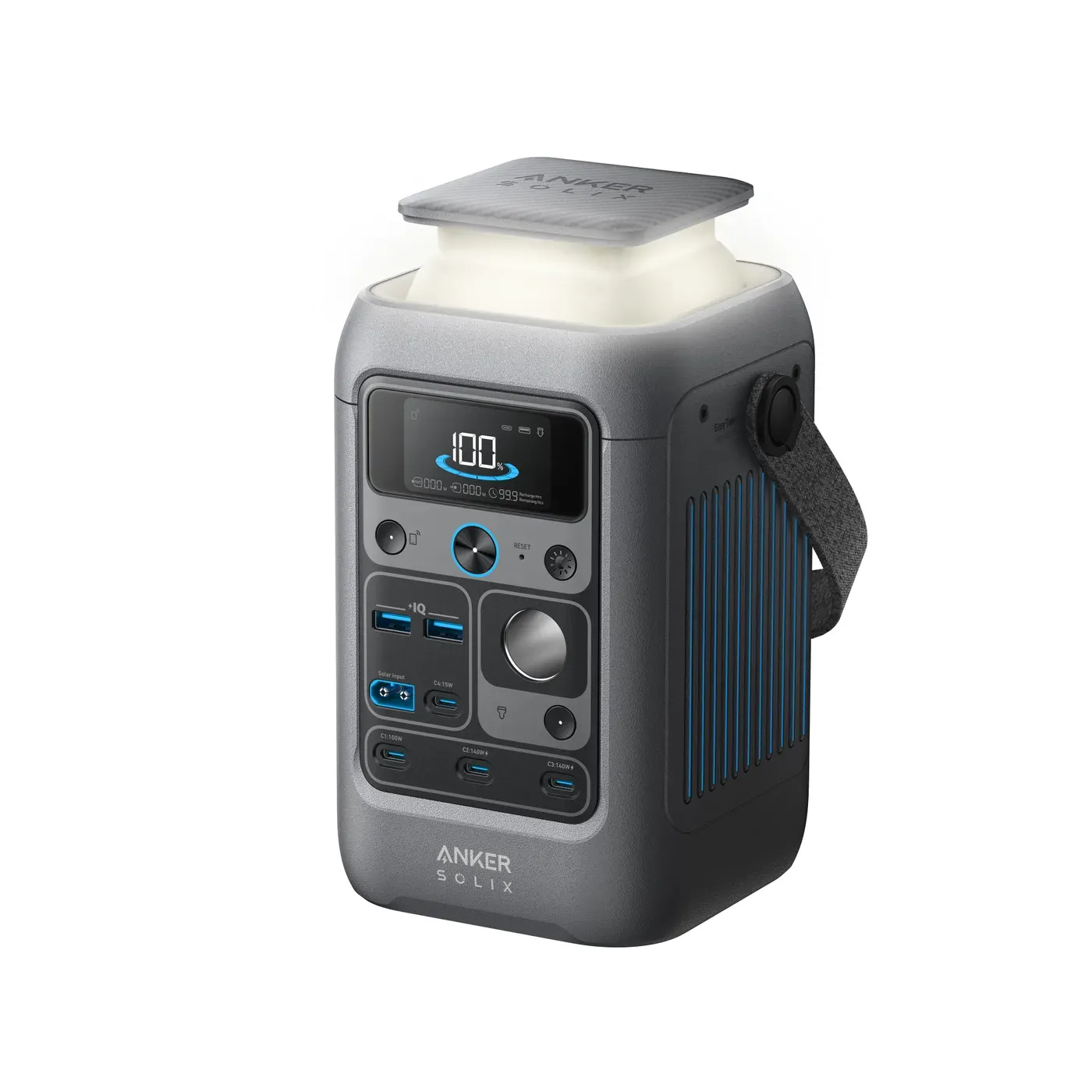
The Anker SOLIX C300 DC makes sense if the Mini, phones and USB-C devices account for your power needs. Anker’s A1726 user guide lists its USB-C output profiles and power-sharing arrangements. Use a suitable high-output port and check the distribution table before adding a laptop to another port.
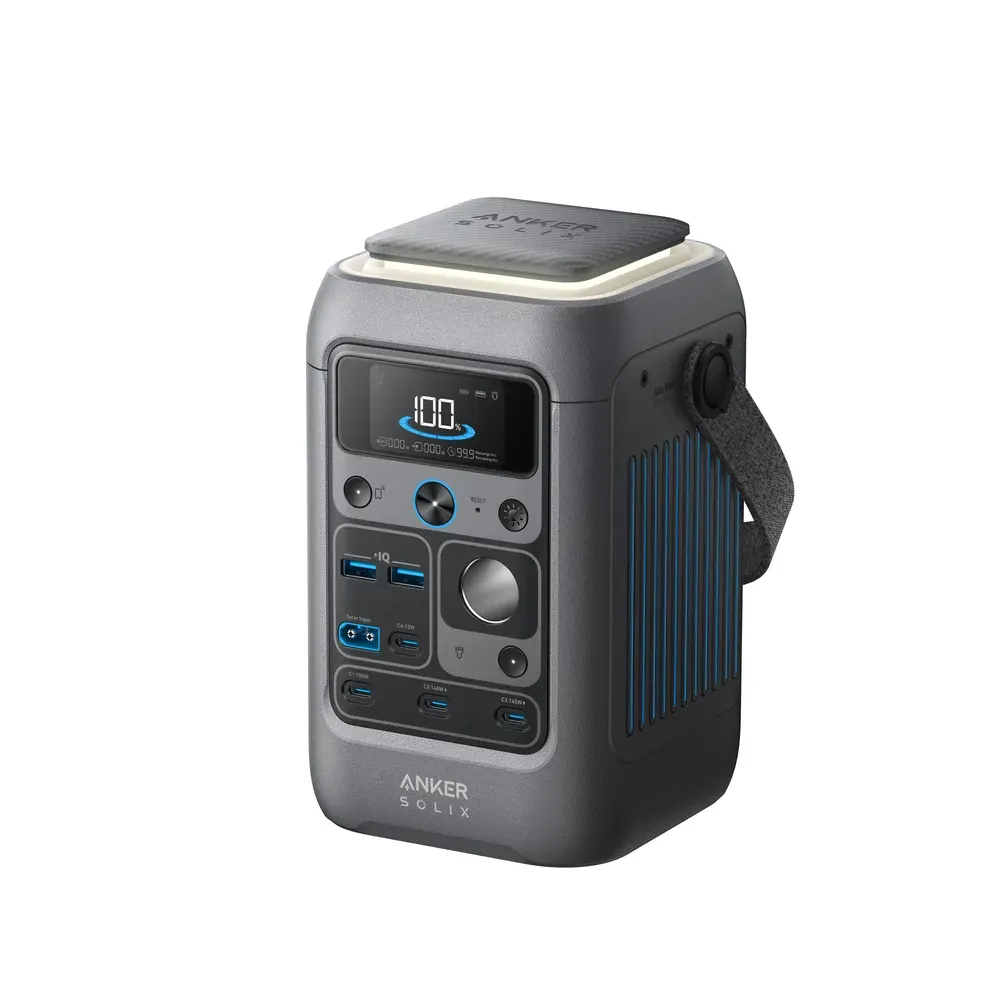
The DC version has no household AC outlets. That matters if your laptop needs its original wall charger, or you want to use the Mini’s supplied AC power adapter. Check that the listing says C300 DC, since the similarly named C300 is a different model.
EcoFlow RIVER 3 Plus: USB-C with AC available
The EcoFlow RIVER 3 Plus is worth comparing when you want USB-C for the Mini and AC available for other equipment. The RIVER 3 Plus manual lists the 286Wh battery and 100W USB-C output. Keep that port available for the Mini; another USB-C device may need a separate charger.
A second way to connect is the Mini’s supplied power adapter plugged into an AC outlet. That is useful when you already have the adapter and want to avoid a new USB-C cable. Calculate runtime with the AC conversion path in mind, and check the station’s output timeout settings for long sessions.
Neither station becomes an eight-hour workday solution simply because it has the required port. The calculator above shows how battery capacity, average draw and reserve change the result.
Already own a larger power station?
Try the equipment you have before buying a dedicated battery. Our Jackery Explorer 1000 v2 guide and EcoFlow DELTA 2 guide cover larger stations with USB-C output. Their extra capacity can be useful if the same battery also runs a fridge or other camp equipment.
For a new purchase, count those loads together. A battery sized for the Mini alone can look generous until a laptop joins the workday. Our RV solar setup guide explains how to build a daily energy budget and plan replenishment from panels.
What to check before leaving home
- Confirm the exact battery model and individual port’s output profile.
- Connect the Mini with the cable you intend to travel with and let it finish starting up.
- Add your laptop or other devices and check that the connection remains stable.
- If you will recharge during use, try connecting and disconnecting the charging source. Check whether the Mini restarts.
- Run the setup long enough to establish its average power draw, then recalculate with a reserve.
Keep the battery and connectors within their own weather and temperature ratings. The Mini’s outdoor rating does not extend to the power bank beside it.
If your real goal is keeping household Wi-Fi alive during an outage, start with our router and modem battery-backup guide. That setup needs a different check: automatic switchover and power for every box between your devices and the internet connection.
Sources
Product documentation checked October 30, 2026: