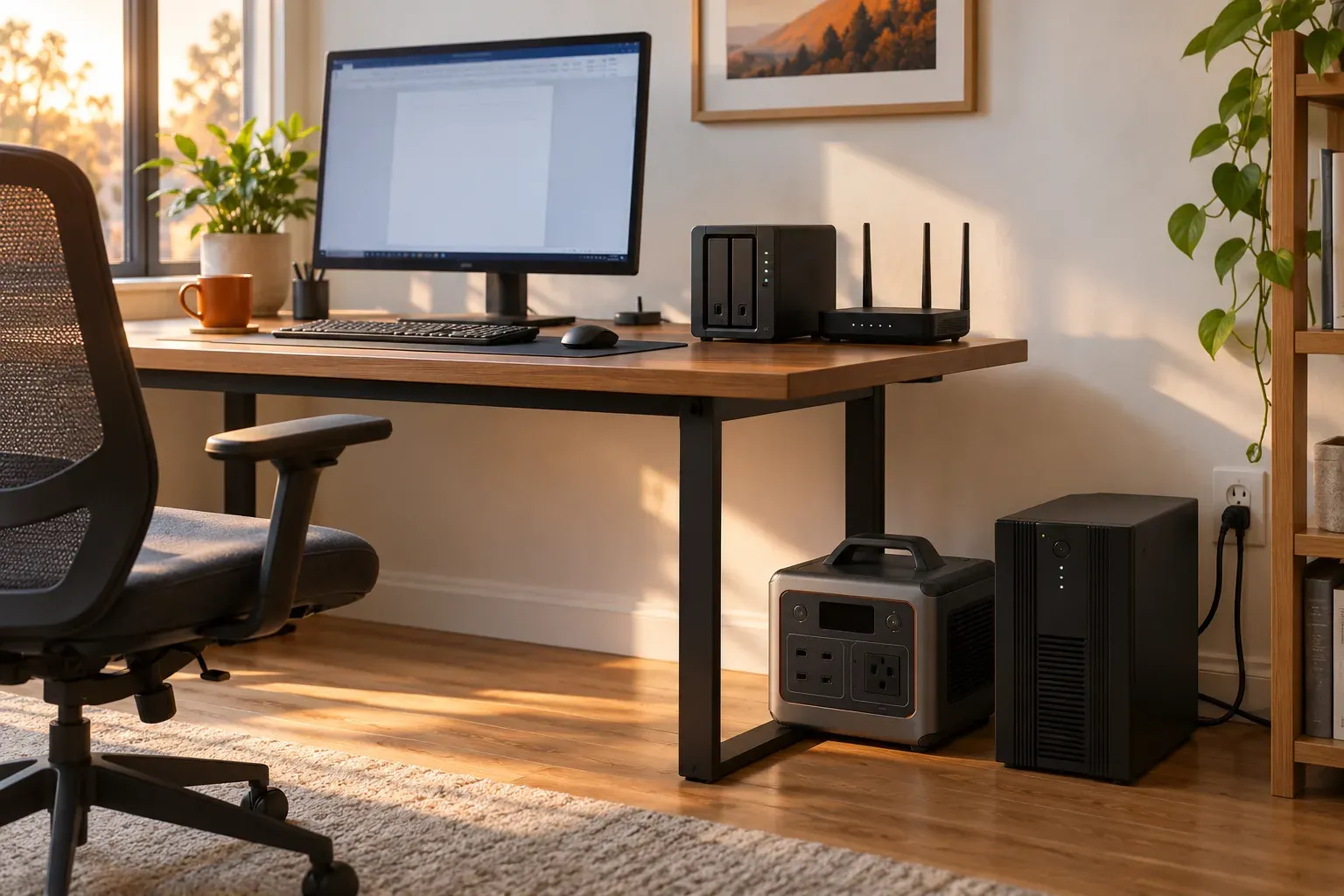
A portable power station can replace a UPS for some equipment, but a larger battery does not establish the same backup behavior. Before buying for a PC, NAS or router, check what happens when power fails, when the battery gets low and when utility power returns.
The right purchase depends on the job. Keeping a router online for a short interruption is different from giving a NAS enough time and a supported signal to shut down. Begin with the behavior your equipment needs, then calculate runtime.
Power station vs UPS: what should you compare?
Check the exact models rather than assuming all products in either category behave alike. Some power stations document standby backup and computer communication; others provide energy without the required control features.
| Requirement | Why it matters | What to look for |
|---|---|---|
| Transfer behavior | The device must tolerate the handover | Published mode and transfer specification, plus equipment requirements |
| Continuous and starting power | All connected equipment must fit the output | Combined load, individual outlets and startup requirements |
| Runtime at your load | Enough time to keep working or shut down | A suitable runtime curve or a stated planning estimate |
| Shutdown communication | A PC or NAS may need to act before the battery empties | Supported data connection, software and device compatibility |
| Low-load behavior | Small network loads must not trigger an unwanted shutdown | Output timeout, energy-saving settings and minimum loads |
| Recovery after depletion | Service may need to return without a button press | Documented AC restart behavior after utility power returns |
If your equipment requires zero transfer time or a particular backup topology, use that requirement to narrow the choice. A general “UPS” or “EPS” label does not answer every row in the table.
Transfer time: will the computer stay on?
A standby handover involves a transition from incoming utility power to the battery-powered output. Whether a computer rides through that transition depends on the backup device and the computer’s power supply under the actual load.
Do not turn a published transfer figure into a promise that every PC will stay on. Confirm the device maker’s backup requirements. If the specifications appear compatible, validate the supported outage-and-restoration procedure with saved work and no critical operation in progress.
For networking only, check the whole connection. An ONT or modem reboot can interrupt service even if the Wi-Fi router stays on. Our router and modem battery-backup guide covers the complete equipment list and eight-hour sizing.
A NAS needs more than an AC outlet
If you want an orderly shutdown before the battery empties, confirm a supported communication path. Check the station or UPS model, the NAS or PC operating system, the required cable, software and shutdown settings.
A USB-C charging port does not by itself provide UPS data communication. Similarly, a device that displays battery percentage in a phone app does not necessarily send a shutdown signal to a computer.
Write down the desired sequence: utility power fails, the computer receives status, a defined threshold triggers shutdown, and the system recovers appropriately when power returns. Verify the whole sequence rather than stopping after a successful handover.
Low-load timeout and automatic restart
Small network loads make output settings important. Check whether energy-saving behavior can turn the AC output off and whether an app setting persists after a restart.
Also check the empty-battery case. “Pass-through charging” does not tell you whether output turns back on after the battery has shut down. A station can resume charging while leaving connected equipment without power until somebody presses a button.
For an unattended setup, recovery behavior may matter more than another hour of runtime. Use documented settings and verify them after configuration changes.
How much battery runtime do you need?
For a conventional UPS, prefer its published runtime at a load close to your measured total. Battery behavior, output limits and aging make a manufacturer’s curve more useful than guessing from the VA rating.
For a power station, a planning calculation can help screen capacity. At an assumed 100W device load, 85% efficiency, a 10% reserve and 3W additional battery draw:
| Rated battery | Calculated runtime |
|---|---|
| 286Wh | About 2.1 hours |
| 500Wh | About 3.7 hours |
| 1,000Wh | About 7.5 hours |
These are assumed-load calculations, not measured runtimes of a PC or a product. Use the computer, monitor, network equipment and any storage that must stay powered in the total. A machine’s power-supply watt rating is not its measured continuous draw.
Plan your battery size
Power station backup runtime estimate
Enter your device load and adjust the assumptions for your setup.
Estimated runtime
Battery for 8 hours
Enter valid positive values. Efficiency must be 1–100%, and reserve must be 0–99%.
Planning estimate. Extra draw covers the station's own consumption at the battery. Actual efficiency and shutdown behavior vary by model. For a conventional UPS, use its published runtime curve.
See the calculation
Runtime = capacity × (1 − reserve) ÷ (device watts ÷ efficiency + extra battery draw). Required capacity reverses this calculation for your target runtime. Percentages are converted to fractions.
Two options for different backup jobs
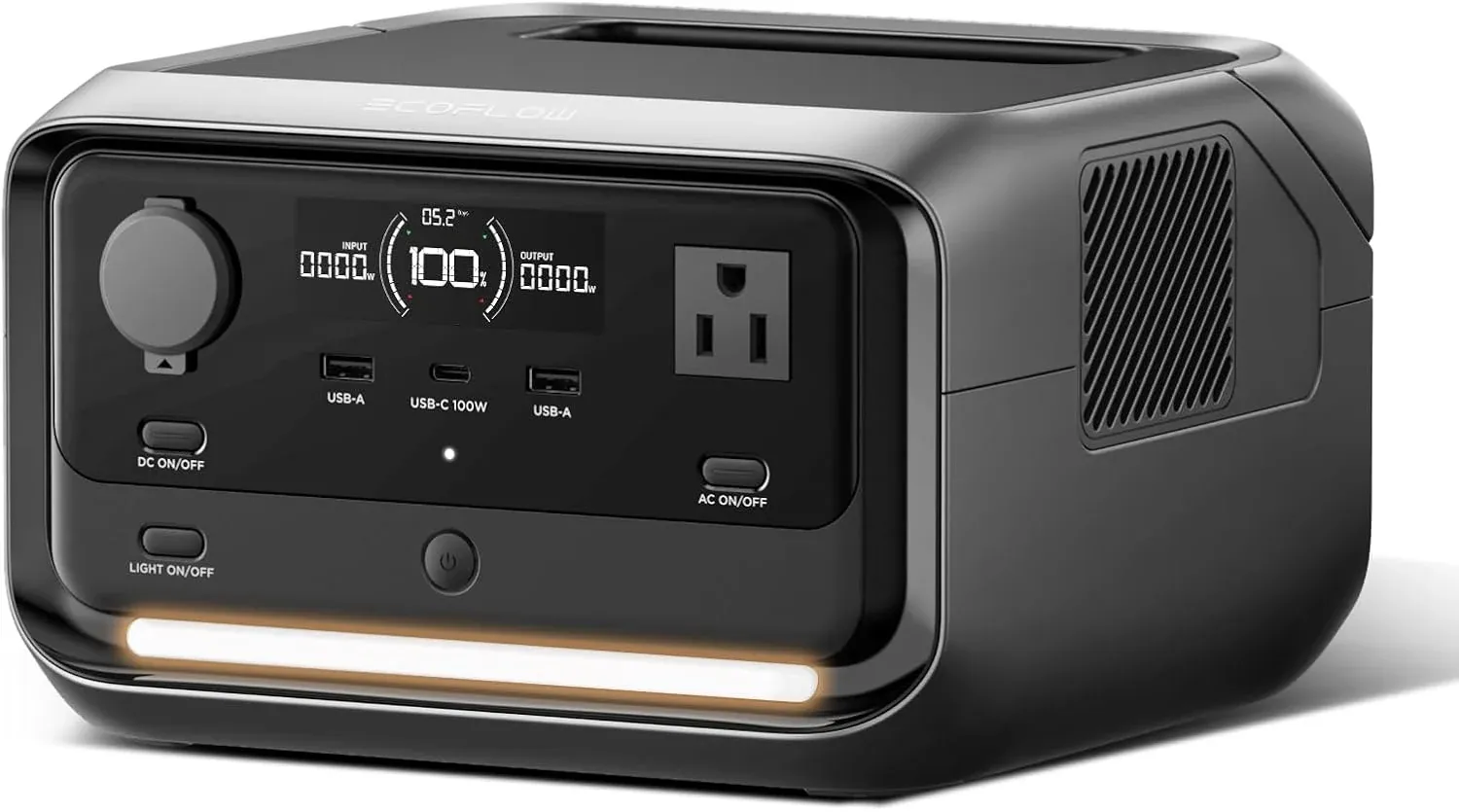
EcoFlow RIVER 3 Plus: a small station with documented backup features
The US RIVER 3 Plus manual lists a 286Wh battery, 600W total AC output and standby UPS transfer within 10ms. It also documents a USB-B communication connection and Power Manager setup for supported computers or NAS devices.
That makes it worth assessing when you need portable energy as well as automatic backup. Confirm the supported operating system and equipment combination, and check timeout and recovery settings. The manual’s features do not guarantee compatibility with every computer or NAS.
CyberPower ST625U: a conventional small UPS to compare for networking
The ST625U product information lists 625VA/360W and four battery-backed outlets alongside four surge-only outlets. It is an option to compare for shorter networking interruptions, using the manufacturer’s runtime table at your measured load.
Put equipment that needs backup on battery-backed outlets. Do not assume a small network UPS is also the right computer or NAS shutdown solution; check the communication, output and runtime requirements separately.
Check price on AmazonChecklist before relying on either device
- Record the exact equipment and measured load, including the monitor and required network boxes.
- Confirm supported input, outputs, backup mode and equipment requirements in the manuals.
- Configure timeout and charging settings that suit continuous backup use.
- Set up supported computer or NAS shutdown communication where needed.
- Follow the manufacturer’s procedure to validate loss and return of utility power.
- Check the documented response after low-battery shutdown and confirm the desired recovery settings.
Do not assume that chaining a UPS and power station is a supported shortcut. Both devices have input and operating requirements. Choose a documented arrangement for the complete setup.
For a larger energy budget, compare our home backup power stations. If you also want the battery for travel, the camping size guide helps decide whether a portable design earns its extra role.
Sources
- EcoFlow RIVER 3 Plus US user manual: capacity, AC rating, standby transfer and communication setup.
- CyberPower ST625U specifications and runtime information: outlet arrangement, ratings and manufacturer runtime table.
The runtime table above is calculated with the stated assumptions. Check the exact product documentation and system compatibility before purchase.